摘要
很多人第一次用 Codex,会觉得它很强。
但用久了以后,问题也会变得很明显:
它不知道这个项目之前踩过什么坑。 它不知道哪些设计决策已经确定。 它不知道哪些文件不能乱改。 它不知道你已经反复强调过的代码风格、文案风格和产品边界。 它经常为了完成一个小任务,顺手改了一堆不该改的东西。
于是你会发现,自己每天都在重复告诉 AI:
“不要改颜色。” “不要动导航。” “不要重构无关组件。” “先看项目规则。” “这个问题上次已经踩过坑。”
这不是 Codex 不聪明,而是我们没有给它建立稳定的项目上下文。
真正高效的 AI 协作,不是每次都写一个更长的提示词,而是把项目规则、个人偏好和历史经验沉淀下来,让 Codex 每次工作时都能站在已有上下文上继续执行。
这篇 Playbook 讲的,就是如何用三个文件,为 Codex 建立一套轻量级的“项目记忆系统”。
01. 先说结论:AI 不是自动变聪明,而是上下文被工程化了
很多人会说:
我想让 Codex 越用越聪明。
这个说法可以理解,但不够准确。
更严谨的说法是:
我们不是让 Codex 产生人类意义上的长期记忆,而是通过 Memory、AGENTS.md 和项目经验文件,把重要上下文显式沉淀下来,让 AI 每次工作时都能读取规则、理解边界、避免重复踩坑。
也就是说,真正起作用的不是“魔法记忆”,而是上下文工程。
Codex 官方文档明确说明,Codex 会在开始工作前读取 AGENTS.md,用它获得项目级指导。通过全局指导和项目级覆盖,用户可以让 Codex 每次进入仓库时都带着一致的执行预期。
OpenAI 也已经为 Codex 提供 Memories 能力。官方说明中提到,启用 memories 后,Codex 可以把符合条件的历史线程中的有用上下文转成 local memory files,用于未来任务。
另外,AGENTS.md 的开放规范把它定义成“给 coding agents 的 README”,用于向 AI coding agent 提供项目上下文、构建命令、测试说明和协作规则。
所以,这套方法不是玄学。
它的本质是:
把重复口头交代,变成可读取、可审查、可版本化的项目上下文。
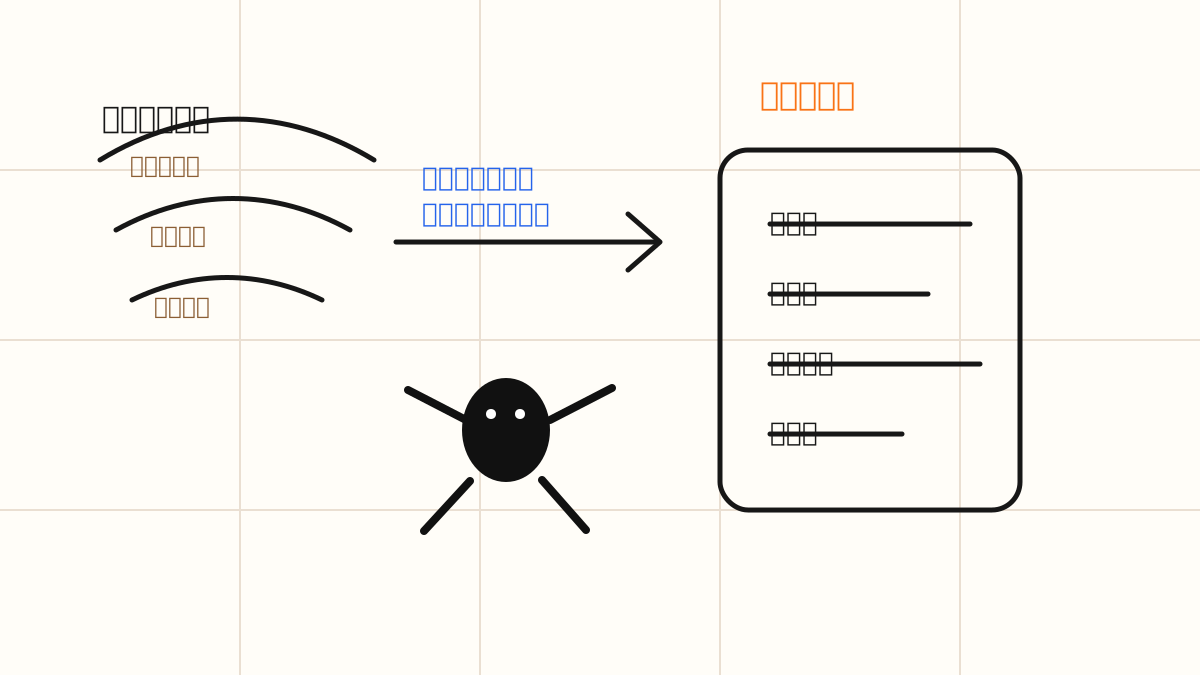
把重复提醒变成项目里可读取的上下文。
02. 三层项目记忆:Memory、AGENTS.md、PITFALLS.md
要让 Codex 真正少犯重复错误,不应该把所有内容都塞进一个超级提示词。
更好的方式是分层。
我建议使用三层:
- Memory:记录长期偏好
- AGENTS.md:记录项目规则
- PITFALLS.md:记录历史踩坑
一句话理解:
Memory 让 AI 更懂你;AGENTS.md 让 AI 更懂项目;PITFALLS.md 让 AI 少犯重复错误。
这三层不要混在一起。
因为它们解决的是三个不同问题。
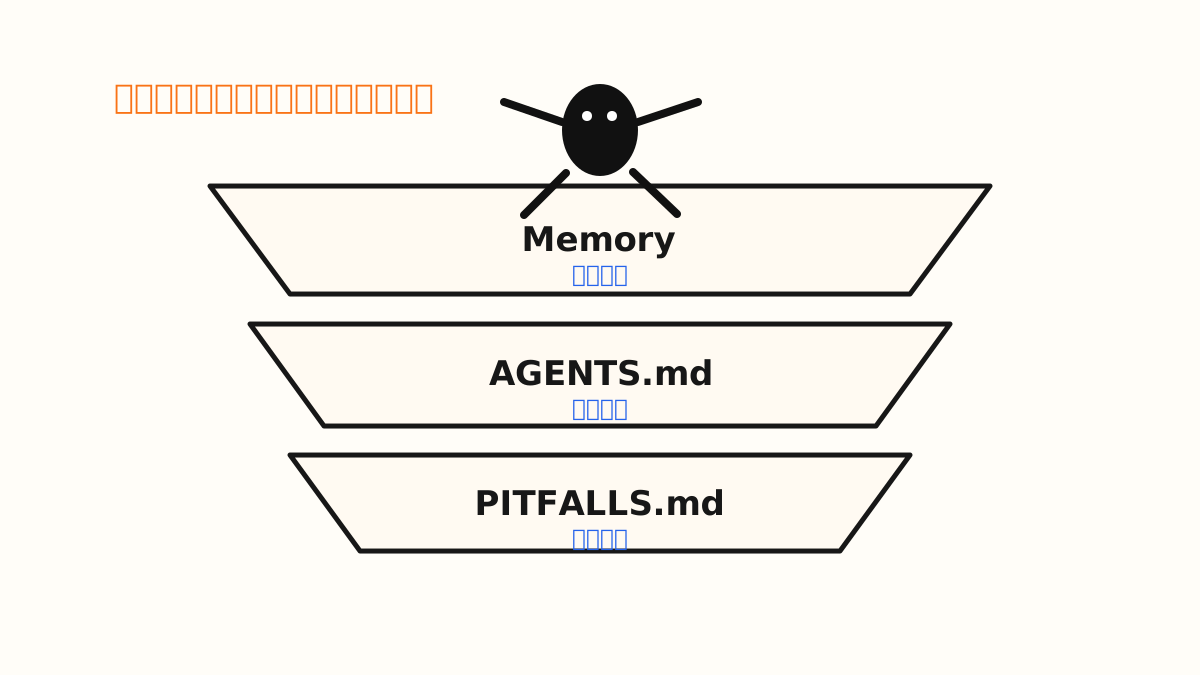
Memory 管偏好,AGENTS.md 管规则,PITFALLS.md 管坑点。
03. Memory:记录“我是谁,我偏好什么”
Memory 适合记录长期稳定、跨项目有效的信息。
比如:
我喜欢简洁直接的中文表达。 我不喜欢空泛的营销话术。 我偏好先给结论,再给步骤。 我经常使用 Next.js、Tailwind、MDX。 我做的是 AI Native Builder Lab,需要内容面向创作者、产品人和 AI 原生创业者。
这些信息不属于某一个项目,但会影响你和 AI 的长期协作方式。
OpenAI 官方说明,ChatGPT 的 Memory 包括 saved memories 和 chat history。Saved memories 会和聊天历史分开存储;即使删除聊天,saved memories 仍可能在未来对话中被使用。用户也可以要求系统忘记某条 memory。
所以 Memory 的价值是:
让 AI 不必每次重新认识你。
但 Memory 不适合记录太细的项目 bug。
比如:
某个组件不能重构。 某个路由名不能改。 某个 API 在线上环境有限制。 某个 Tailwind token 不能动。 某个页面之前因为依赖升级构建失败。
这些内容应该放进项目文件,而不是只依赖 Memory。
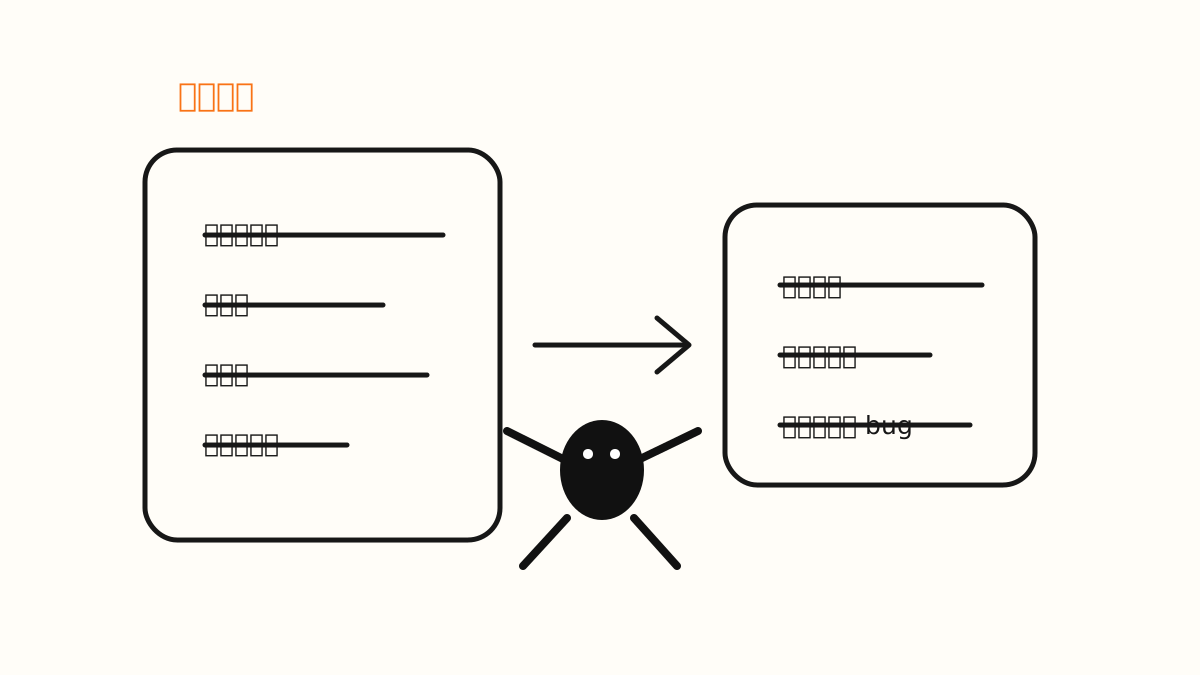
Memory 像个人偏好层,让 AI 不用每次重新认识你。
04. AGENTS.md:记录“这个项目应该怎么做”
AGENTS.md 可以理解成写给 AI Agent 的 README。
README 是写给人看的,告诉开发者这个项目是什么、如何启动、如何贡献。
AGENTS.md 是写给 Codex 看的,告诉它:
这个项目是什么。 技术栈是什么。 目录结构是什么。 代码应该怎么写。 哪些文件可以改,哪些文件不能碰。 修改后要跑什么检查。 遇到不确定问题时应该怎么处理。
OpenAI Codex Customization 文档也明确提到,可以通过 AGENTS.md 让 Codex 遵守仓库约定,并配合 pre-commit hooks 和 linters 强制执行规则。
所以 AGENTS.md 的核心价值是:
不要让你每次都重复告诉 Codex 项目规矩。
它不是一个愿望清单,而是一份执行规范。
好的 AGENTS.md 应该遵守三个原则:
第一,高频。 经常用到的规则才放进去。
第二,稳定。 短期会变化的信息不要放进去。
第三,可执行。 不要写抽象价值观,要写 Codex 能判断、能执行的规则。
不好的写法:
Make the website better.好的写法:
When improving UI, preserve the existing color palette, typography scale, and navigation structure.
Only adjust spacing, hierarchy, copy clarity, and component consistency.
前者是愿望,后者是规则。
Codex 更需要后者。
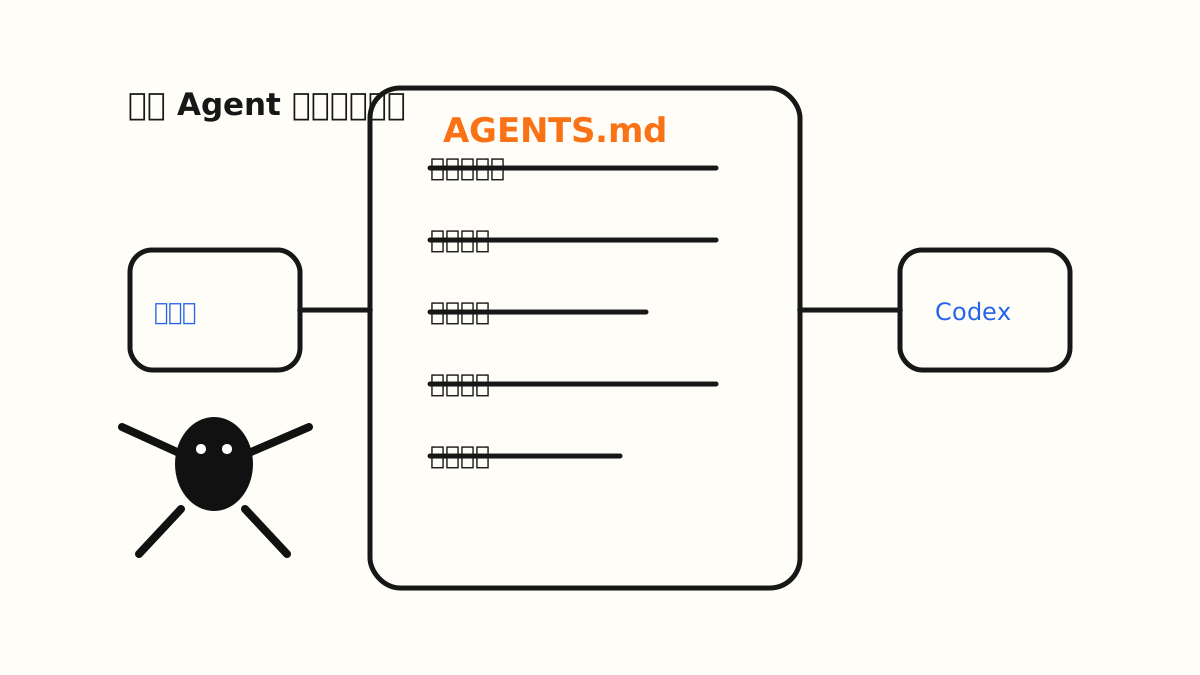
AGENTS.md 像写给 Agent 的项目说明书。
05. PITFALLS.md:记录“这个项目过去哪里错过”
PITFALLS.md 不是官方强制文件,但非常值得建立。
它本质上是工程实践里的:
事故复盘。 已知问题。 运行手册。 决策记录。 经验教训。
只是我们把它写成 Codex 能读懂、能执行的形式。
它适合记录:
AI 曾经改错过什么。 哪些文件之前被误改过。 哪些设计决策已经确定。 哪些方案已经试过但失败。 哪些部署问题反复出现。 哪些操作会引入高风险。
比如:
之前 Codex 为了优化 UI,顺手改了全站配色。 这就是一个坑。
它不应该只留在你的脑子里,也不应该每次靠你重新提醒。
它应该写进 PITFALLS.md:
## 2026-06-08 — Do not change the color palette

### Problem
The color system was previously changed during a UI optimization task.

### Impact
The site lost its existing brand consistency.

### Rule
Do not change colors, gradients, theme tokens, or global CSS variables unless explicitly requested.

### Related files
- `tailwind.config.ts`
- `app/globals.css`
- `components/ui/*`
这样,下次 Codex 再做 UI 优化时,它就能提前看到这条规则。
PITFALLS.md 的核心价值是:
把过去犯过的错,变成下一次执行前的约束。
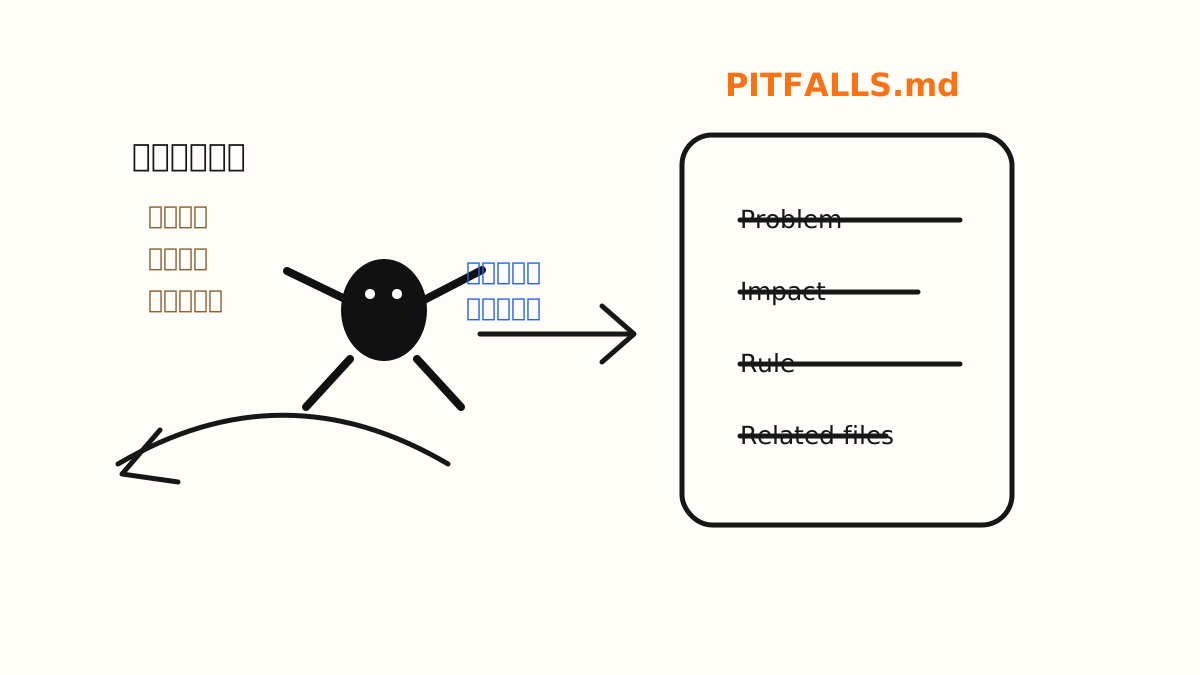
PITFALLS.md 把坑点变成下一次执行前的路标。
06. 为什么 Memory 不能替代 PITFALLS.md?
很多人会问:
既然 Codex 已经有 Memory,那是不是就不需要踩坑记录了?
我的答案是:不建议。
原因有四个。
第一,Memory 不一定每次都准确调用
Memory 会根据相关性参与任务,但它不是严格的项目执行清单。
项目里的关键约束,最好放在 Codex 每次进入仓库时都能看到的位置。
第二,Memory 更偏个人,PITFALLS.md 更适合团队
Memory 通常是个人环境里的信息。
但 PITFALLS.md 可以进入 Git。
它可以被团队成员看到、修改、review、追踪版本。
这对团队协作很重要。
第三,Memory 不适合记录细碎项目事实
比如:
某个页面不能改布局。 某个组件不能重构。 某个依赖不能升级。 某个环境变量只在线上存在。
这些都太项目化了,应该放在项目文件里。
第四,文件可以被审查,Memory 很难被审查
AI 协作最重要的不是“聪明”,而是“可控”。
文件可以 review。 文件可以进入版本管理。 文件可以作为团队共识。 文件可以跟代码一起迭代。
Memory 更像个人偏好,不能替代项目制度。
所以最稳的结构不是二选一,而是三层协同:
Memory 管长期偏好,AGENTS.md 管项目规则,PITFALLS.md 管历史坑点。
07. 推荐项目结构
最小版本:
your-project/
├── AGENTS.md
├── PITFALLS.md
├── README.md
├── package.json
├── app/
├── components/
├── content/
└── lib/
复杂一点的项目,可以这样拆:
your-project/
├── AGENTS.md
├── docs/
│   └── ai/
│       ├── pitfalls.md
│       ├── code-review.md
│       ├── writing-style.md
│       └── deployment-checklist.md
├── app/
├── components/
└── lib/
然后在 AGENTS.md 里引用这些文件:
## Additional Instructions

Read these files when relevant:

- `docs/ai/pitfalls.md`
- `docs/ai/code-review.md`
- `docs/ai/writing-style.md`
- `docs/ai/deployment-checklist.md`
这会让项目规则变得更模块化。
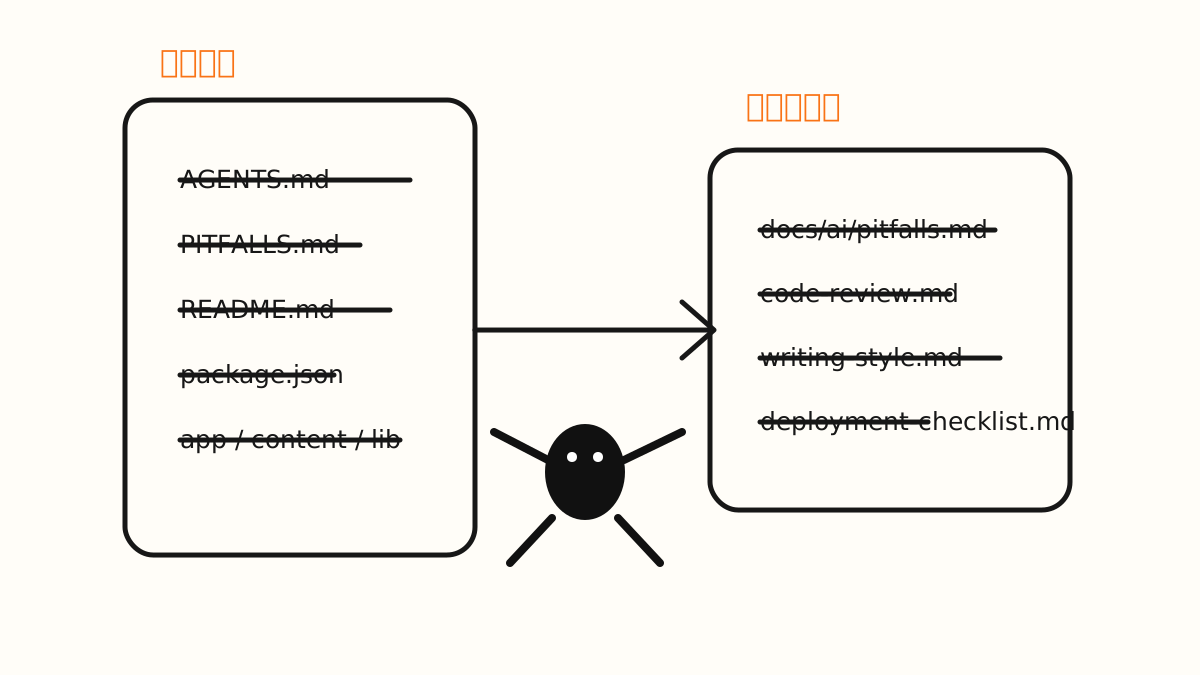
最小项目记忆结构:规则在根目录,细节在 docs/ai。
08. AGENTS.md 模板
下面是一个可以直接使用的模板。
# AGENTS.md

## Project Overview

This project is a website for ReelOS.ai, an AI Native Builder Lab.

The site publishes:
- AI Agent signals
- Playbooks
- Templates
- Product cases
- Long-form essays about AI-native building

The goal is to make AI-native product building easier to understand and easier to practice.

## Tech Stack

- Framework: Next.js
- Language: TypeScript
- Styling: Tailwind CSS
- Content: Markdown / MDX
- Package manager: pnpm

## Key Directories

- `app/`: main routes and pages
- `components/`: reusable UI components
- `content/`: articles, playbooks, signals, templates
- `public/`: static assets
- `lib/`: utility functions

## Working Rules

- Make the smallest necessary change.
- Do not rewrite unrelated files.
- Do not introduce new dependencies unless necessary.
- Preserve the current visual direction unless explicitly requested.
- Do not change the color palette unless explicitly requested.
- Prefer clear, direct, structured Chinese copy.
- Avoid vague marketing language.
- Explain major tradeoffs before making large structural changes.

## Writing Style

- Use clear and direct Chinese.
- Put the conclusion first.
- Use short paragraphs.
- Prefer actionable principles over abstract slogans.
- Avoid excessive buzzwords.
- Avoid empty claims such as “empower everything” or “redefine the future.”
- Make technical ideas understandable for product builders and creators.

## Validation

Before finishing development tasks, run:

```bash
pnpm lint
pnpm build
```

If validation fails:

1. Explain the failure clearly.
2. Identify the smallest likely fix.
3. Do not hide errors.

## Project Memory

Before making changes, read:

* `PITFALLS.md`

Use it as the project’s mistake log.
Avoid repeating known mistakes.
If you encounter a new recurring issue, suggest adding it to `PITFALLS.md`.

## Do Not

* Do not rename routes or navigation items without permission.
* Do not delete content files.
* Do not add unnecessary dependencies.
* Do not introduce mock data into production pages.
* Do not perform broad refactors for small copy or style changes.
* Do not change brand colors, typography scale, or layout direction unless explicitly requested.
这个模板不追求完整,而追求清楚。
一开始不要写太多。
先写高频规则,再随着项目推进不断补充。
09. PITFALLS.md 模板
下面是一个推荐模板。
# PITFALLS.md

This file records mistakes, edge cases, and project-specific lessons.

Codex should read this before making changes and avoid repeating known issues.

---

## 2026-06-08 — Do not change the color palette

### Problem

The color system was previously changed during a UI optimization task.

### Impact

The site lost its existing brand consistency.

### Rule

Do not change colors, gradients, theme tokens, or global CSS variables unless explicitly requested.

### Related files

- `tailwind.config.ts`
- `app/globals.css`
- `components/ui/*`

---

## 2026-06-08 — Avoid broad refactors for small tasks

### Problem

A small copy or layout task previously caused unrelated component refactoring.

### Impact

The diff became hard to review and increased regression risk.

### Rule

For copywriting, layout polish, or small UI tasks, only modify directly related files.
Do not refactor unrelated components.

---

## 2026-06-08 — Preserve navigation structure

### Problem

Navigation labels or routes were changed without confirming the information architecture.

### Impact

The site structure became inconsistent with the intended content strategy.

### Rule

Do not rename top-level navigation items or routes unless the task explicitly asks for information architecture changes.

---

## 2026-06-08 — Do not add dependencies casually

### Problem

A simple UI or content task introduced unnecessary third-party packages.

### Impact

The project became harder to maintain and the build risk increased.

### Rule

Do not add new dependencies unless the task clearly requires it.
If a dependency is needed, explain why before adding it.
注意,踩坑记录不要写成情绪化流水账。
不要写:
Codex 上次又乱改颜色,太烦了。要写成:
Do not change colors, gradients, theme tokens, or global CSS variables unless explicitly requested.AI 不需要你的情绪,它需要可执行规则。
10. 每次让 Codex 工作时,使用固定开场提示
有了文件以后,每次任务可以这样开始:
Before starting, read AGENTS.md and PITFALLS.md.

Follow the project rules strictly.
Make the smallest necessary change.
Do not change colors, navigation, routes, dependencies, or unrelated files unless explicitly requested.

After editing, summarize:
1. What changed
2. Which files changed
3. What validation you ran
4. Whether any new pitfall should be added to PITFALLS.md
如果是改官网文案,可以这样提示:
Read AGENTS.md and PITFALLS.md first.

Then improve the copy on this page.

Requirements:
- Keep the existing design and layout.
- Do not change colors.
- Do not rename navigation.
- Make the language clearer, shorter, and more concrete.
- Avoid vague marketing slogans.
- Only edit files directly related to this page.
如果是做 UI 优化,可以这样提示:
Read AGENTS.md and PITFALLS.md first.

Improve the visual hierarchy of this page.

Rules:
- Do not change the color palette.
- Do not change the typography system.
- Do not introduce new dependencies.
- Do not refactor unrelated components.
- Focus on spacing, hierarchy, alignment, and readability.

After editing, explain the design changes and list modified files.
这类提示的价值不是“命令 AI 听话”,而是让任务边界更清晰。
Codex 最容易出问题的地方,不是不会做,而是做得太多。
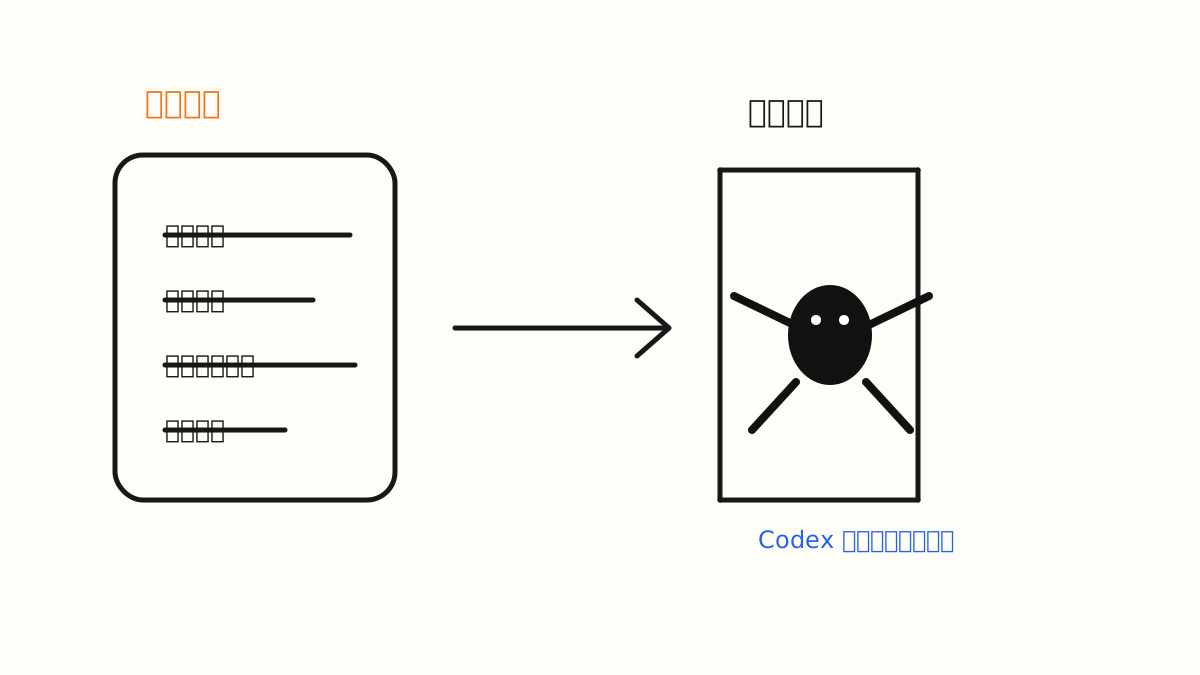
固定开场提示像任务护栏,先读规则,再开始行动。
11. 什么时候写进 Memory?什么时候写进文件?
可以用这张表判断。
| 信息类型 | 放在哪里 |
|---|---|
| 我的长期偏好 | Memory |
| 我的写作风格 | Memory |
| 我常用的技术栈 | Memory |
| 项目技术栈 | AGENTS.md |
| 项目目录结构 | AGENTS.md |
| 项目测试命令 | AGENTS.md |
| 项目禁止事项 | AGENTS.md |
| 历史 bug | PITFALLS.md |
| AI 曾经犯过的错 | PITFALLS.md |
| 部署坑点 | PITFALLS.md |
| 团队共识 | AGENTS.md / PITFALLS.md |
| 本次具体任务 | 当前 Prompt |
最简单的判断是:
跨项目有效,放 Memory。 项目内长期有效,放 AGENTS.md。 项目内曾经出错,放 PITFALLS.md。 只对本次任务有效,放当前 Prompt。
这四句话,基本可以解决 80% 的分类问题。
12. 这套方法的真正价值
这套方法解决的不是“AI 能不能写代码”。
它解决的是 AI 协作里更底层的问题:
AI 每次都从零开始。 AI 不知道项目边界。 AI 容易改无关文件。 AI 会重复踩同一个坑。 AI 不知道哪些决策已经确定。 AI 输出结果难以 review。 AI 协作无法沉淀成团队资产。
当你把规则、偏好、坑点和验证流程沉淀下来,Codex 就不再只是一个临时聊天助手,而更像一个能进入项目上下文工作的工程协作者。
有早期研究也在验证这一点。一篇关于 AGENTS.md 对 AI coding agents 效率影响的论文分析了 10 个仓库和 124 个 PR,在有无 AGENTS.md 的条件下对比 agent 执行情况,结果显示:使用 AGENTS.md 与更低的中位运行时间和更少的输出 token 消耗相关,同时任务完成行为大体相当。
这不意味着 AGENTS.md 一定提升所有任务质量。
但它说明一件事:
仓库级说明文件确实可能降低 AI agent 的探索成本。
这正是我们建立项目记忆的原因。
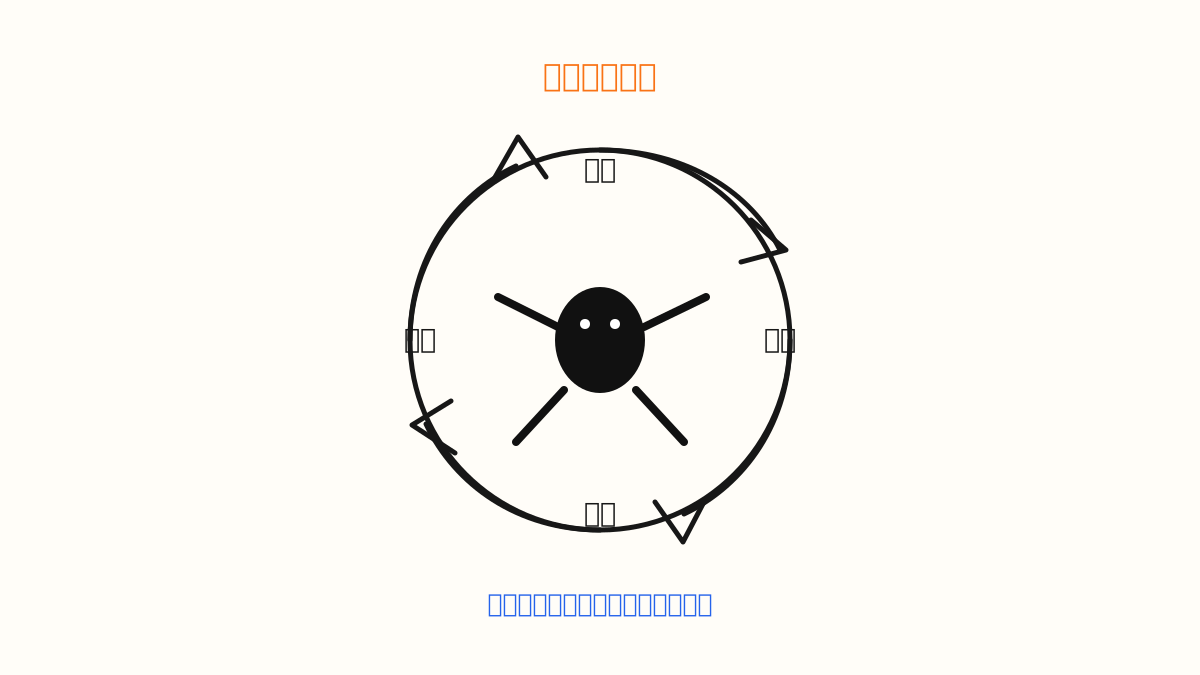
项目记忆让 AI 少探索、少误改、少重复踩坑。
13. 最小行动清单
如果你今天只做一件事:
在项目根目录创建 AGENTS.md。
如果你愿意再多做一步:
创建 PITFALLS.md,把每次踩坑写成规则。
如果你想建立长期协作:
把跨项目稳定偏好存进 Memory。
最小闭环是:
Memory
↓
记录长期偏好

AGENTS.md
↓
记录项目规则

PITFALLS.md
↓
记录历史坑点

Prompt
↓
描述本次任务
这就是 Codex 项目记忆的基本结构。
14. 最后总结
不要期待 AI 自动记住一切。
更可靠的方式,是把重要信息放到它每次都能读取、团队每个人都能审查、项目每次迭代都能更新的位置。
Memory 管偏好。 让 AI 更懂你。
AGENTS.md 管规则。 让 AI 更懂项目。
PITFALLS.md 管经验。 让 AI 少犯重复错误。
真正高效的 Codex 协作,不是写更长的提示词,而是建立更清晰的项目上下文。
AI 不是因为神奇记忆而变强。
AI 是因为你把规则、经验和边界工程化了。